
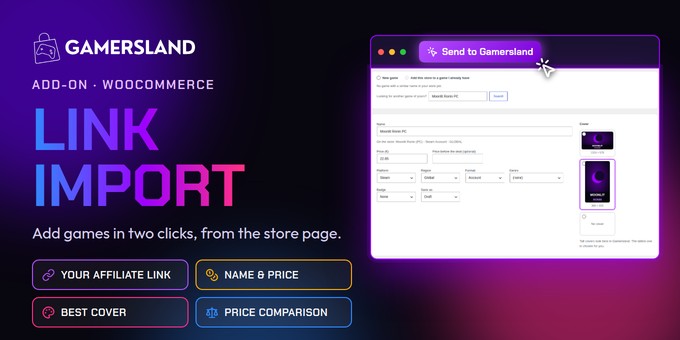
Add a game to your Gamersland store in two clicks
Gamersland Link Import is an add-on for the Gamersland gaming affiliate theme. Open a game on Kinguin, G2A, Eneba or any key store, click Send to Gamersland in your bookmarks bar, and the game arrives in your dashboard with its name, price, cover and your affiliate link. Check it and save.
Features
- Your affiliate code on every link. Save your code for each store once. Update the games you already have in one go.
- Prices up to date in one click. Click the button again on the store page and the price changes in your store.
- Builds your price comparison. Send the same game from another store and it joins the comparison on the game page.
- Platform, region and format guessed. Steam, Xbox, PSN, Global, Europe, DLC or account, chosen for you.
- The best cover, picked for you. The tall cover that fits Gamersland is chosen first.
- Ready in a minute. Drag one button to your Chrome bookmarks bar and start adding games.
Tested with
Kinguin, G2A, Eneba, Loaded (CDKeys), Instant Gaming, GAMIVO, Fanatical and Green Man Gaming (November 2026). Other stores usually work too.
Requirements
Included
Add-on zip, step-by-step documentation, English and Spanish.
Changelog
1.0.0 · November 2026 · First version.
Store names belong to their owners. Gamersland Link Import is an independent add-on, not affiliated with or endorsed by any store. WooCommerce® is a registered trademark of WooCommerce, Inc.
- Google Chrome or a Chrome-based browser, on a computer (required). Tested in Chrome and Vivaldi.
- Gamersland theme 1.1.0 or newer.
- Google Chrome or a Chrome-based browser, on a computer (required). Tested in Chrome and Vivaldi.
- Gamersland theme 1.1.0 or newer.
- WordPress 7.0+, WooCommerce, PHP 7.4+.


