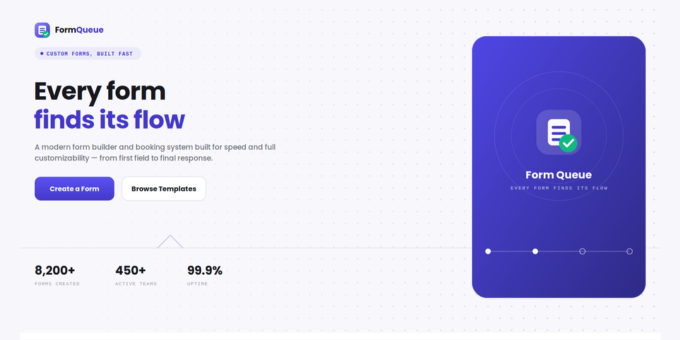
Overview:
Form Queue is a premium SaaS form builder and lead capture management system that combines the simplicity of Google Forms with modern, AI-powered features. Built with Next.js, React, and MongoDB, it lets businesses create fully customizable forms with drag-and-drop field building, custom branding templates, secure public submission links, and a detailed response analytics dashboard - all wrapped in a sleek, glassmorphism UI with dark mode support and fluid micro-animations.
Key Features:
- Dynamic Form Builder — Drag and drop fields, add/edit/delete unlimited questions, choose from 14+ input types (Text, Email, Phone, Number, Password, Dropdown, Radio, Checkbox, Textarea, Date, Time, DateTime, URL, File Upload)
- Custom Branding Templates — Company logo, banner images, default descriptions, and color palettes (pastel light themes, premium dark themes)
- Submissions & Analytics Dashboard — Daily/weekly response metrics, response tables, single-response detail modals, bulk delete operations
- Secure Cloud File Uploads — Cloudinary-backed file uploads with strict size limits and extension filtering
- Enterprise-Grade Security — Password or OTP sign-in, protected dashboard, cryptographically unguessable public form links
- AI Form Generation — Groq-powered AI engine that generates form templates and questions automatically
- Google Forms-Style UX — Familiar card-based public form layout, enhanced with HSL color themes and smooth Framer Motion transitions
Tech Stack:
- Frontend: Next.js 16, React 19, Tailwind CSS v4, Framer Motion
- Backend: Next.js API Routes, Mongoose 9.8 (MongoDB ODM), bcrypt, jsonwebtoken
- File Storage: Cloudinary
- AI: Groq SDK (AI-driven form/question generation)
- Geolocation: maxmind (IP-based location lookup)
Requirements:
- Node.js v18.x
- Git
- MongoDB (local or MongoDB Atlas cloud)
- A Cloudinary account (free tier works) — for logos, banners, file uploads
- A Groq API key (console.groq.com) — powers AI form generation
- SMTP/Gmail App Password — sends OTP emails for secure sign-in
Installation:
- Clone/extract the package and
cd form-queue npm installto install dependencies (includesgroq-sdkfor AI form generation)- Create
.env.localand configure MongoDB URI, JWT secret, Cloudinary keys, and email SMTP settings npm run devto start the development server- Open
http://localhost:3000to see Form Queue running
Live Demo & Documentation:
- ? Live Demo: https://form-queue.sumsols.com
- ? User Guide: http://formqueue-user-documentation.sumsols.com
- ? Full Documentation: http://formqueue-documentation.sumsols.com
- ? Demo Credentials: demo@formqueue.app /
Demo@1234