
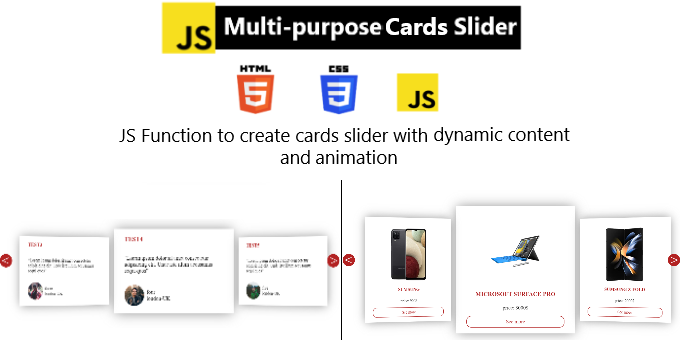
? Video Preview Note
See the slider in action: https://youtu.be/xeC4niX4Mz4 Note: The video demonstrates the original function-based version. The current version has been upgraded to a modern JavaScript Class with automatic HTML detection for a faster setup.
Features
This slider is responsive, "click-to-preview" card gallery with depth and perspective. It provides a robust, production-ready JavaScript class that handles the math and animations for you.
What’s New in the Latest Version:
-
Class-Based Structure: Now uses
new CardsSlider()for better performance and multiple instances. -
Automatic Content Detection: No more messy JavaScript arrays! Simply place your content inside HTML
divtags, and the slider captures it automatically.
What’s in the box?
-
cardsSlider.js&cardsSlider.css -
example.html&example.css(Ready-to-use templates) -
Clear README instructions
Quick Setup:
-
Files: Add
cardsSlider.jsandcardsSlider.cssto your project. -
HTML: Create a container with nested
divtags for each individual card.
- Main Container: The parent element (the CSS selector you pass to the class).
- Card (Direct Child): Each direct child element of the container represents one individual card.
- Card Content: Everything inside the direct child element (images, titles, buttons) is treated as the content of the card. -
JS: Call new CardsSlider
(".container").


