
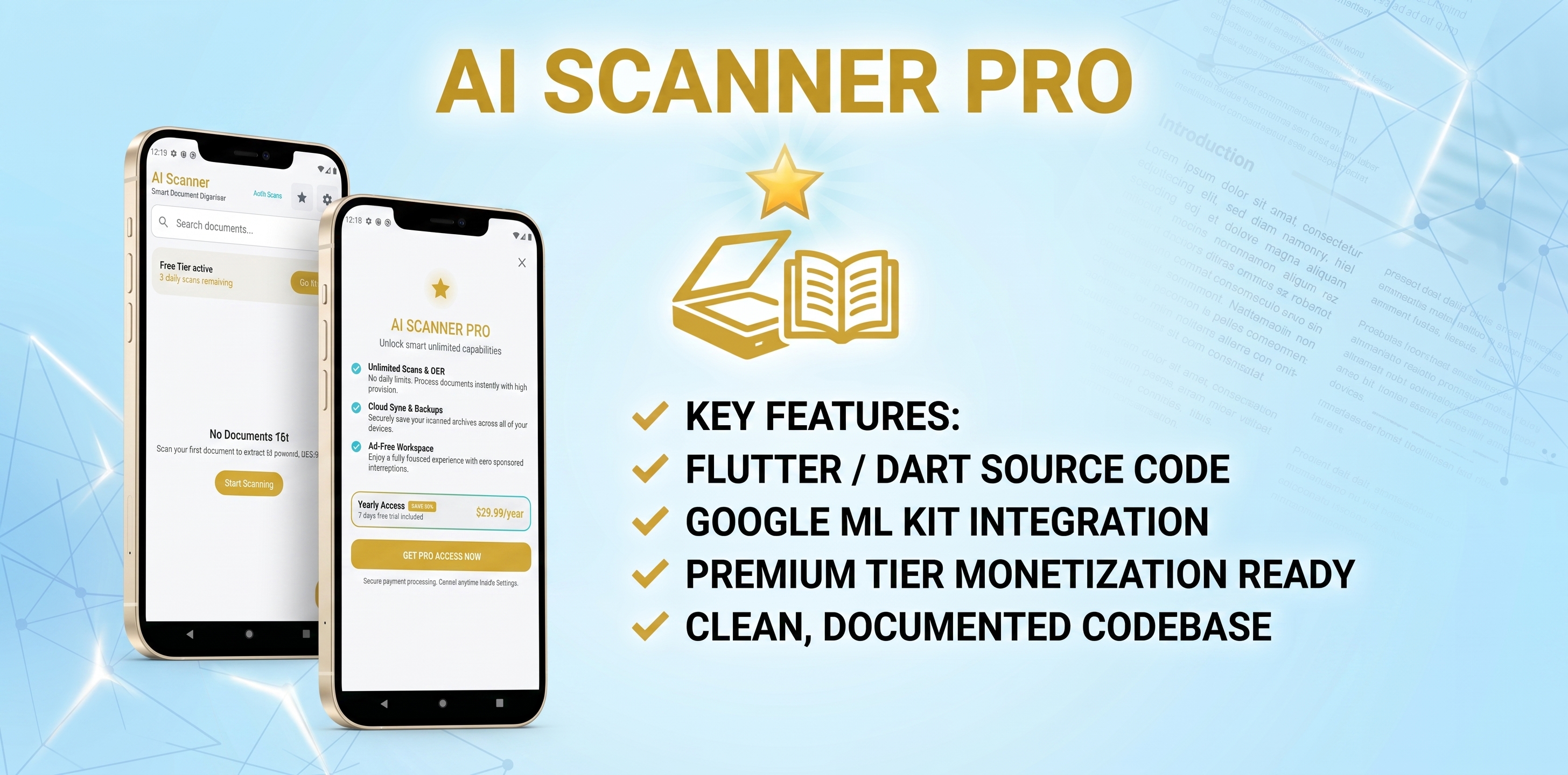
AI Document Scanner is a production-ready Android starter project for developers who want to launch or customize a document scanning application quickly. It combines Google ML Kit Document Scanner for automatic edge detection, cropping, and perspective correction with on-device text recognition for OCR.
Users can scan or import a document, review the extracted text, rename saved scans, search their document library, copy text, and export documents as PDF or JPG. The app stores scan metadata and recognized text locally with Room, making documents searchable without requiring a backend.
The project includes a clean Material 3 interface, light/dark/system theme support, an AdMob banner integration point, and a freemium/premium screen flow. It is organized as a clear Kotlin source-code template, so buyers can replace branding, configure monetization, and extend the app for their own product.
Features
- Google ML Kit Document Scanner integration
- Automatic document edge detection, crop assistance, and perspective straightening
- Gallery import support
- On-device OCR text extraction with Google ML Kit Text Recognition
- Local document library backed by Room database
- Full-text and title search
- Rename and delete saved documents
- Editable recognized text
- Copy extracted text to the clipboard
- Share recognized text with other apps
- Export scans as PDF, including the scanned image and extracted text
- Save scanned images as JPG to the device gallery
- Native Android share sheet for PDF, image, and text sharing
- Modern Jetpack Compose + Material 3 interface
- Light, dark, and system-default themes
- Freemium/premium UI flow with a configurable free scan allowance
- AdMob banner integration point and test application ID
- Clean, easy-to-customize package structure with manual dependency setup
Requirements
- Android Studio Ladybug or newer recommended
- JDK 17
- Android SDK with compile SDK 36 installed
- Minimum Android version: Android 8.0 (API 26)
- Gradle/Android Gradle Plugin dependencies downloaded from the internet on first build
- A physical Android device or emulator with Google Play services for ML Kit Document Scanner
- Camera permission on the device to scan documents
- An AdMob account and your own AdMob application/ad unit IDs for production ads
Instructions
1. Extract the source-code package and open the project folder in Android Studio.
2. Allow Gradle sync to finish. Install Android SDK 36 and JDK 17 if Android Studio requests them.
3. Update the application ID/namespace in `app/build.gradle.kts` and rename the Kotlin package if you are publishing under your own brand.
4. Change the app name in `app/src/main/res/values/strings.xml` and replace the launcher icons under the `mipmap-*` folders.
5. In `app/src/main/AndroidManifest.xml`, replace the included Google test AdMob application ID with your production AdMob application ID before release.
6. Review `SubscriptionManagerImpl.kt` to set your desired free scan allowance. The included premium state is a local UI/demo implementation; connect Google Play Billing or your preferred billing service before selling subscriptions or unlocks.
7. Build and run the app on an Android device. Grant camera permission, scan or import a document, then test OCR, search, export, and sharing.
8. Create a signed release APK/AAB from Android Studio when you are ready to publish.
$9


| Created | 26 Aug 2026 |
| Package Includes | .apk |
| File Size | 2.2 MB |
Report This File
